ATRRS Self Development Center

The Army Training Requirements and Resources System (ATRRS) is a portal for Army soldiers to find out about available courses. It also allows soldiers to register for courses and keep track of their training history. ATRRS can sometimes experience technical issues like slow loading times or errors. In these cases, it is important to seek assistance from personnel.
If you’re an army soldier, it’s essential to continually enhance your skills and knowledge in order to keep up with the ever-changing military world. The ATRRS self-development platform offers a variety of courses to help you do just that, from leadership training to technological aspects of the military. These courses will provide the skills and knowledge you need to advance in your career and serve your country with pride.
The ATRRS Army system allows you to log your training records and search for new course opportunities based on your career goals and unit requirements. It also gives you the opportunity to earn promotion points for successfully completing courses. However, navigating the ATRRS system can be difficult, especially for first-time users. Fortunately, this guide will walk you through the process of registering for an ATRRS course and accessing your online materials.
The first step in registering for an ATRRS course is to log into the ATRRS website using your CAC. Once you’re logged in, click on the “Catalog” button at the top of the page. From there, select the School Code 159 and search for the course you’re interested in. Once you’ve found the course you want to register for, click on the title of the course to see its details. Then, click on the “Web Based Training” title to access your online materials.
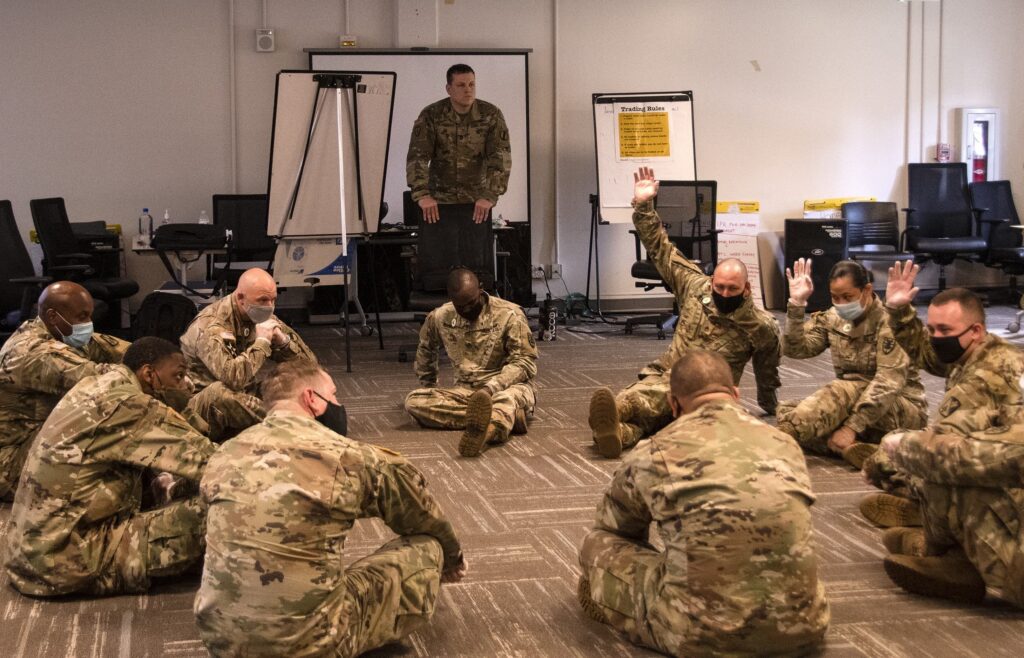
How to Register for an ATRRS Course?
The Army Training Requirements and Resources System (ATRRS) portal is a vital tool for soldiers to seek out training. It helps them advance their careers and stay ready for deployment. It also enables them to keep track of their progress. ATRRS has many different channels that allow Soldiers to register for classes, take online courses, and look up their transcripts.
To get started:
- Go to the ATRRS homepage and scroll down to click “TRAINING REGISTRATION & RECORDS” in the Quick Links section.
- Select your CAC and LOGIN.
- Click on the course title that has a “Web Based Training” title. You’ll be able to access the course materials and advance your career in no time!
During the registration process, you must ensure that the ATRRS course number and title match the course number and title of the actual class. It’s important to copy the correct information, as it will be entered into your Army academic record and can impact future promotions.
There are several modules in the ATRRS system, including the Army Formal Schools Catalog, e-Training Center, BNCOC, STRAMS-E, and e-AATAM. Each one serves a different purpose. For example, e-AATAM provides real-time access to student training data at worldwide command levels. BNCOC allows for quota management, class scheduling, and training seat utilization analysis. STRAMS-E enables the system proponent to manage training data for an entire unit. Lastly, e-AATAM is used to manage the Commander Safety Course and Manager Safety Course.