iPERMS

iPERMS system is a way for soldiers to manage their records electronically. It replaces paper-based filing systems and allows soldiers to access their records from anywhere in the world. iPERMS also provides a number of training opportunities, including financial planning strategies. iPERMS is an electronic record repository that stores all official military personnel files (OMPF) for Army personnel. This online database makes it easy for members to access their personal information, reducing the need for physical copies and preventing data loss or theft. In addition, iPERMS allows members to track their career progression. This helps them stay on track for future promotions and advancements. It also helps them maintain a positive work-life balance.
Soldiers should check their Iperms records regularly to find mistakes and correct them immediately. Iperms is a robust military database that holds a surprising number of documents, some classified, and it’s important to know how to navigate it. It’s important to find out who your Iperms manager is. Oftentimes, these managers aren’t in your chain of command and can be difficult to work with. Try to build a good working relationship with your Iperms manager so that they can help you if there are any problems. If possible, ask your first-line supervisor or Company Commander for help. This will ensure that your records are up to date and correct.

Features
iPERMS acts as a secure, centralized repository for all military personnel records. It houses documents such as enlistment contracts, promotion orders, awards, training certificates, evaluations, and much more. This consolidation simplifies the process of record retrieval and ensures that all critical information is easily accessible. The iPERMS user interface is designed to be intuitive and easy to navigate, making it accessible to both military personnel and administrative staff. Soldiers can view their records and submit necessary updates through a self-service portal, reducing the need for manual processing.
iPERMS allows authorized users to update and add documents directly to the system. This feature enables real-time record updates, ensuring that information is always accurate and up-to-date. Given the sensitive nature of military personnel records, iPERMS employs robust security measures to protect against unauthorized access. Access to the system is restricted based on user roles and permissions, and all data is encrypted to ensure the privacy of personal information.
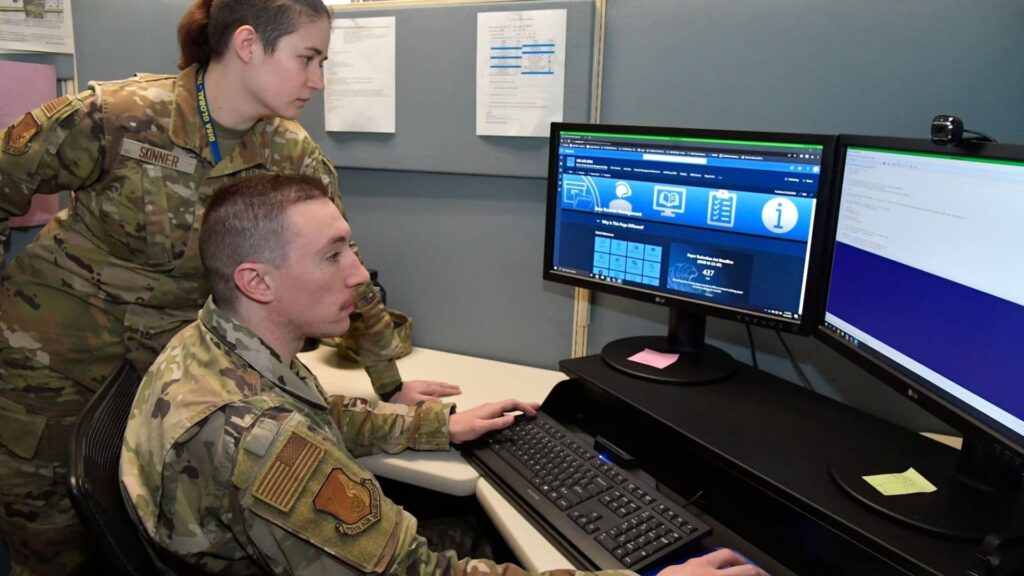
How to Contact a Record Review?
Conducting a record review is one of the most important aspects of HR processes. It ensures that all required and key supporting documents are uploaded to iPERMS and that the ERB/ORB and end-of-month LES information is accurate. In addition, a review verifies that the scanned and uploaded documents match up with the AMHRR in iPERMS. A record review should be conducted annually during in-processing and before separation from the Army. A review can help prevent errors and omissions, which can lead to pay issues and board and panel delays.
To conduct a record review, a Soldier must login to iPERMS with their CAC and select the “Soldier (view your own)” option. Then, they must complete the “Record Review Checklist.” Contact your Human Resource Professional to learn more about the record review process. Also, visit the Scan and Upload Documents Webpage for guidance on how to prepare documents for uploading to iPERMS.
The process for reviewing a soldier’s iPERMS record can vary depending on the branch of service. In the Army, iPERMS is used to store evaluation reports, medical documents, college and military transcripts, awards, and diplomas. It also allows authorized personnel to access the information from anywhere in the world. To ensure that your iPERMS records are accurate, it is important to check them often. To do this, sign in to your AKO account and review your iPERMS file regularly. Getting in the habit of checking your iPERMS regularly will help you find mistakes and correct them before they get out of hand.


